
Windscribe VPN2.4.1.437 - AppGallery
You'll be able to see results in few seconds.
Publisher Description


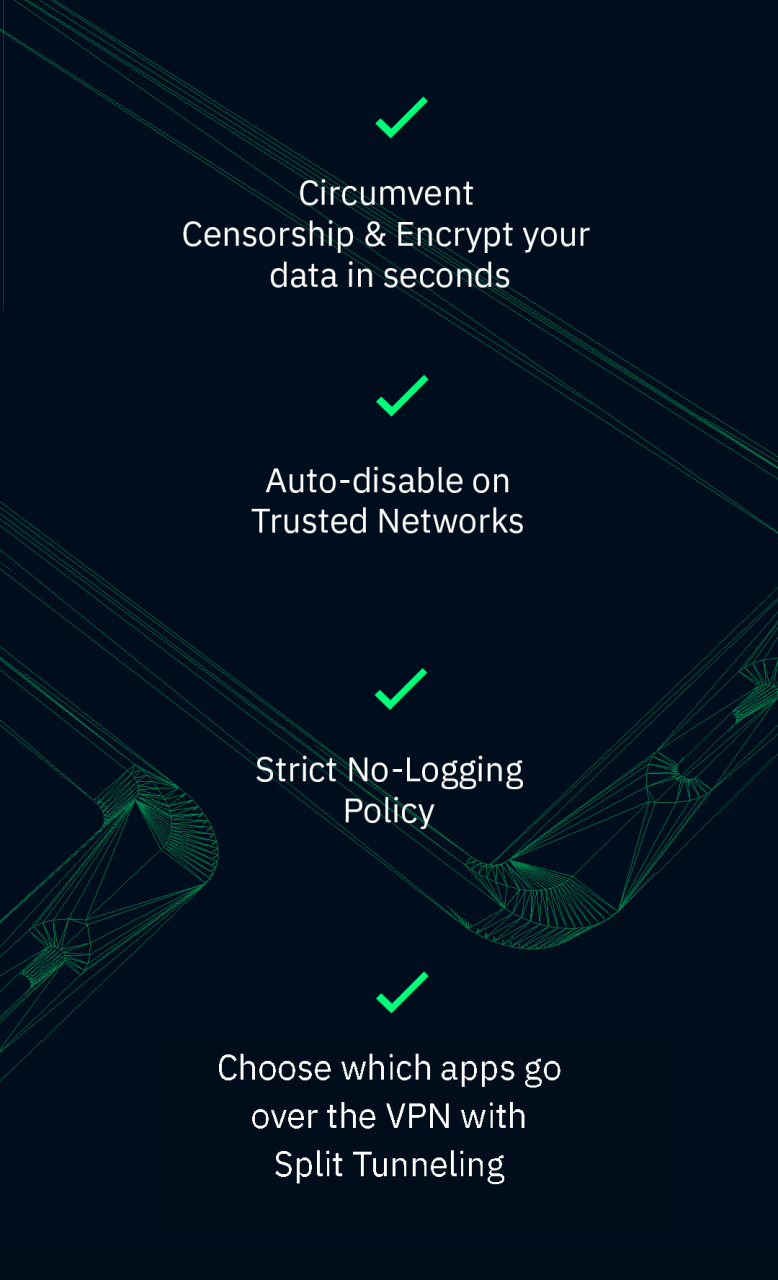
Windscribe VPN is a tool that secures Wifi and helps you safeguard your privacy online. Best part? It’s absolutely free to use and offers up to 10GB of bandwidth per month, if you supply a confirmed email address! That’s something you can actually use!
With Windscribe VPN, you'll never mess with confusing settings and option menus again; just turn it on once and forget about it.
Get up to 10GB of data per month for FREE, which you can use on your iPhone, iPad, Mac or Windows PC, or as a browser add-on for Chrome, Firefox and Opera.
Free Features:
• Super easy to use, just turn it on with a single tap
• Network whitelisting - auto-enable/disable the VPN when you get home, or join any other wifi network.
• Split Tunneling - choose which apps should go over the VPN tunnel.
• Encrypts all your data so nobody can spy on your Internet activities
• Strict no-logging policy
• 4 protocols to choose from (OpenVPN UDP/TCP, IKEv2, Stealth)
• Access to servers in 10 countries (Including US, Canada, UK and more)
Pro Features:
• Same as the free features, plus:
• Unlimited bandwidth
• Unlimited connections
• Access to servers in over 60 countries and over 110 data-centers
About Windscribe VPN
The company that develops Windscribe VPN is Windscribe Limited. The latest version released by its developer is 2.4.1.437.
To install Windscribe VPN on your Huawei device, just click the green Continue To App button above to start the installation process. The app is listed on our website since 2020-08-17 and was downloaded 0 times. We have already checked if the download link is safe, however for your own protection we recommend that you scan the downloaded app with your antivirus. Your antivirus may detect the Windscribe VPN as malware as malware if the download link to C102125657 is broken.
How to install Windscribe VPN on your Huawei device:
- Click on the Continue To App button on our website. This will redirect you to Huawei Store.
- Once the Windscribe VPN is shown in the Huawei Store listing of your Huawei device, you can start its download and installation. Tap on the Install button located below the search bar and to the right of the app icon.
- A pop-up window with the permissions required by Windscribe VPN will be shown. Click on Accept to continue the process.
- Windscribe VPN will be downloaded onto your device, displaying a progress. Once the download completes, the installation will start and you'll get a notification after the installation is finished.
Program Details
System requirements
Download information
Pricing
Version History
version 2.4.1.437-web
posted on 2020-08-17
Disclaimer
Official AppGallery Link
We do not host Windscribe VPN on our servers. We did not scan it for viruses, adware, spyware or other type of malware. This app is hosted by Huawei and passed their terms and conditions to be listed there. We recommend caution when installing it.
The AppGallery link for Windscribe VPN is provided to you by apps112.com without any warranties, representations or guarantees of any kind, so access it at your own risk.
If you have questions regarding this particular app contact the publisher directly. For questions about the functionalities of apps112.com contact us.
